

It’s very difficult to add Hindi on images using Photoshop or Fireworks or other image editing tool like Coral Draw. We can’t add Hindi or Marathi or any other Unicode language on images with knowing Unicode typing knowledge.
You can add Unicode on images, for that you need proper typing skill and required fonts. So if you are new designing professional then you can’t add Unicode Text just copying and pasting on image.
Many Hindi or Unicode writer use Google Unicode Tool to write text in Hindi. But they can’t use this text on Photoshop and Fireworks.
But now it is possible, you can add Unicode on Images as well. Here is a Procedure for adding Unicode on Images.
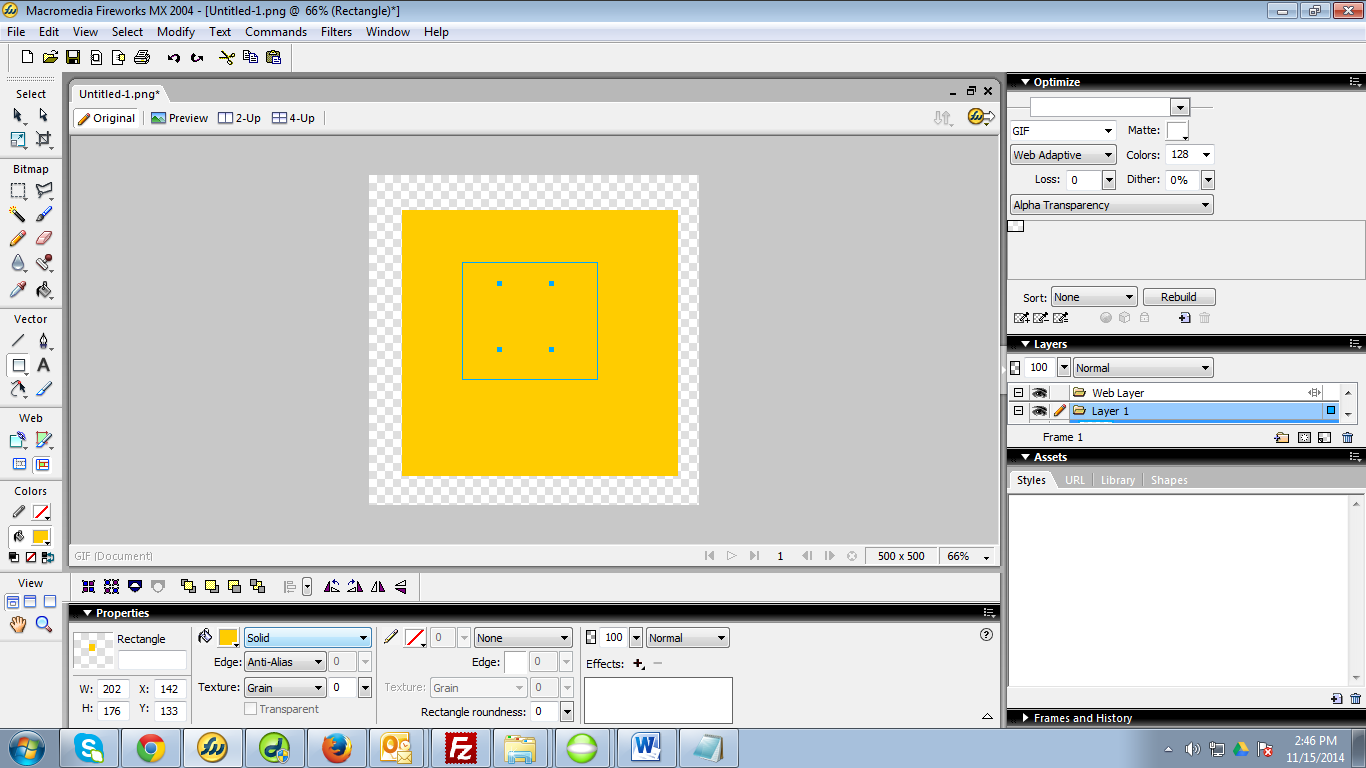
- Editing with Photoshop or Coral Draw: first of all you need to start designing as a regular way. Save file As Png (Portable Network Graphics) format.
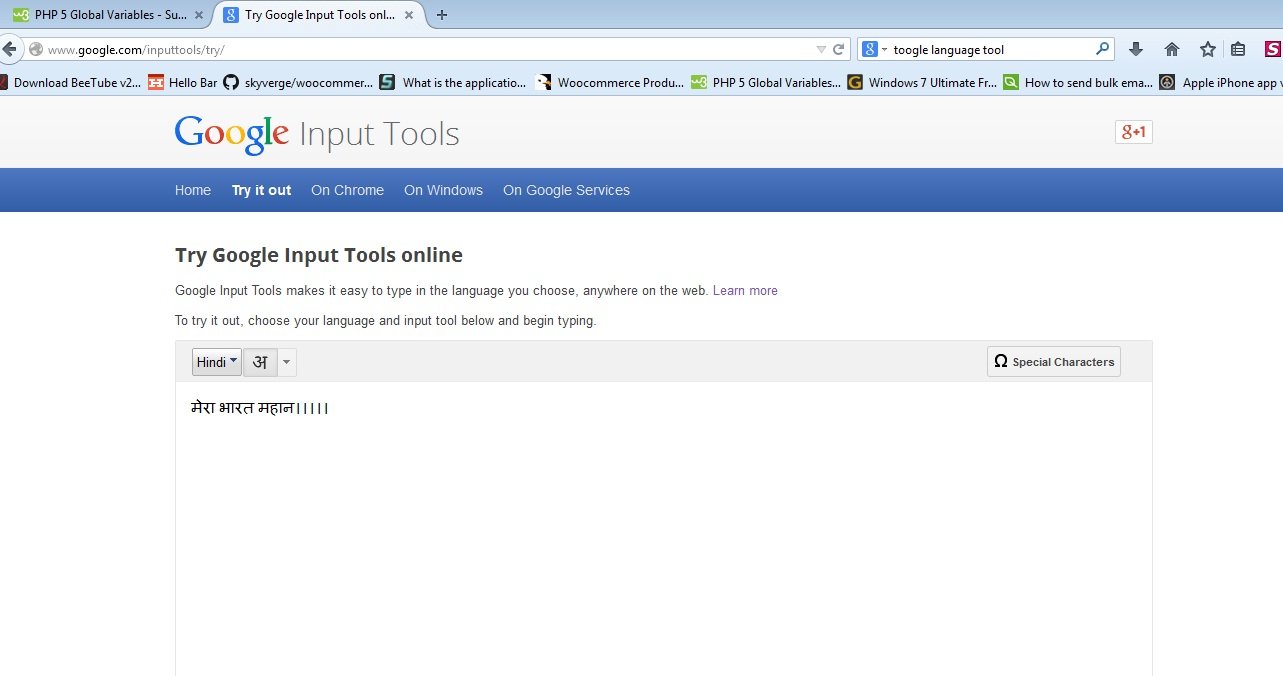
- Typing Text in Google Unicode Tool: Google input tool is one of the easy tool through we can write any Unicode Text like Hindi or Marathi. You can find this tool here : http://www.google.com/inputtools/try/
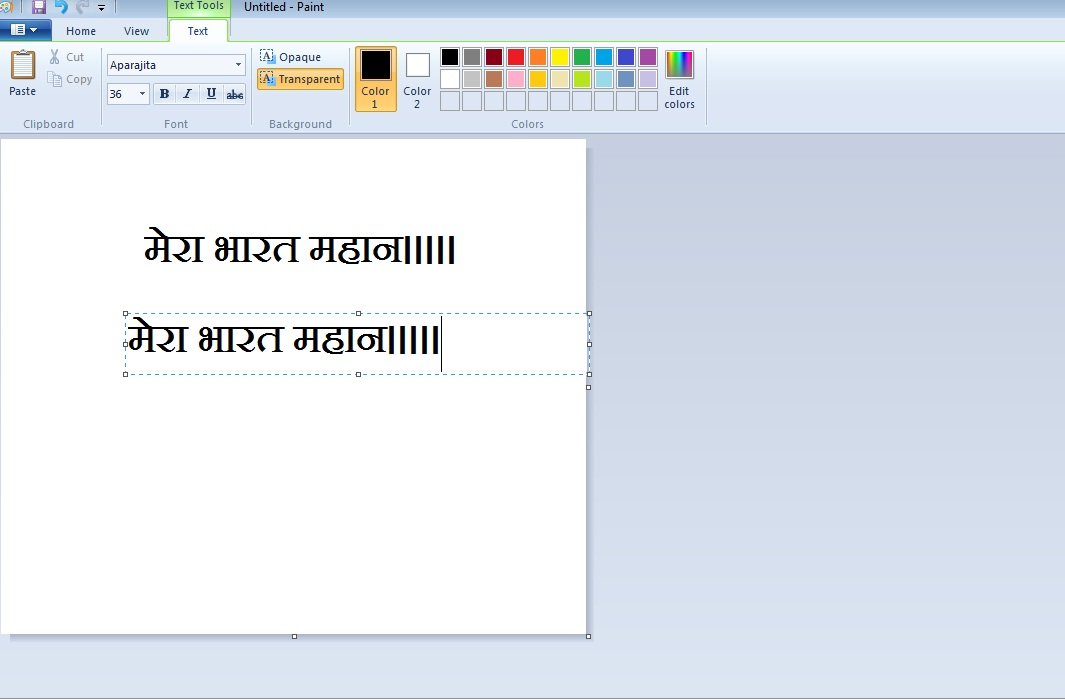
- Pasting Text through Microsoft Paint: Now open the Png Images in Paint Editor of Microsoft. Just paste any Unicode text through this editor. Arrange this text the way you want on png image.
- Finishing with Editing: Finish the final designing.
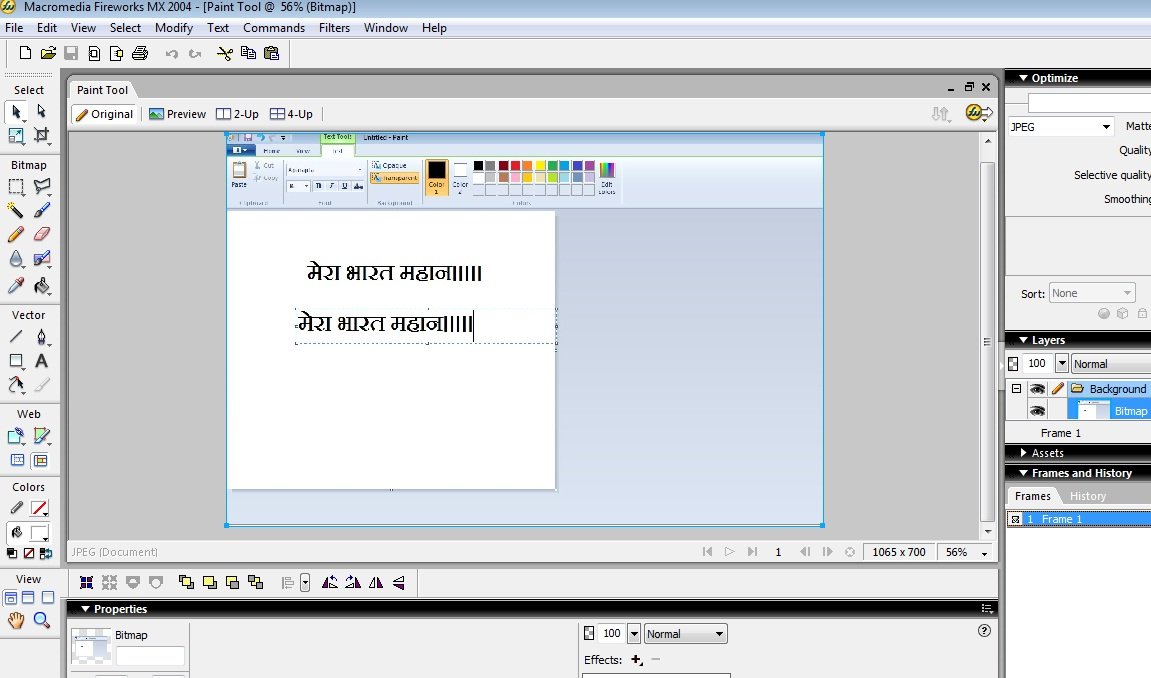
This way you can add Hindi or Unicode text in Image editor like Photoshop, Coral Draw or Fireworks.