

Hello friends recently we installed Newpaper 8.5 theme in one of our project. After them update was showing activation massage after every 3 seconds.
The theme was not allowing us to work on any part of the website.
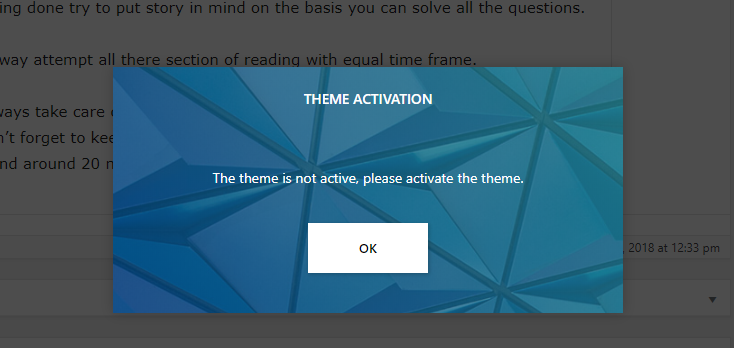
To get rid from such irritating massage here is the process i would like to share with you.
- Install Plugin file manager in wordpress [ its free plugin]
- open this file [yourwebsite.com/wp-includes/js/thickbox/thickbox.css?ver=4.9.5]
- Search for #TB_overlay id which is available in line 1 of above file, add display:none; or simply add this code
#TB_overlay {
z-index: 1055;
display: none;
}
4. Then search for #TB_window id and update following code
#TB_window
{
width: 510px;
height: 234px;
margin-left: -255px;
top: 52px;
margin-top: 220px;
visibility: visible;
z-index: 170001;
display: none;
}
This way you can hide the irritating popup and no need to activate.
#TB_overlay {
z-index: 1055;
display: none;
}
#TB_window
{
width: 510px;
height: 234px;
margin-left: -255px;
top: 52px;
margin-top: 220px;
visibility: visible;
z-index: 170001;
display: none;
}